
specific details can be time-consuming, inefficient, and exhausting. The good news? There are now convenient ways to get a video summary.
1. Get the Transcript of the Video
Don’t skip this step! Starting with a transcript provides a concrete foundation to work from. You can scan for specific information, verify exact wording, and reference technical terms without playing guessing games with rewind buttons.
Always keep this in mind: Audio gets misheard, but text doesn’t.
Option #1 – Get the Transcript Directly from YouTube
YouTube has this feature built-in. Here’s how:
- Go to the video description, scroll down, and look for the “Transcript” section.
- Click “Show Transcript” and the full text appears next to the video, complete with timestamps. The three dots next to “Transcript” let you hide those timestamps if you want clean text.
- Copy everything and paste it into a document.
Option #2 – Use a YouTube Transcript Extractor
Now, if you don’t like the output from option#1, you can use third-party tools. Here are some YouTube transcript extractor tools that you could use.
YouTube to Transcript
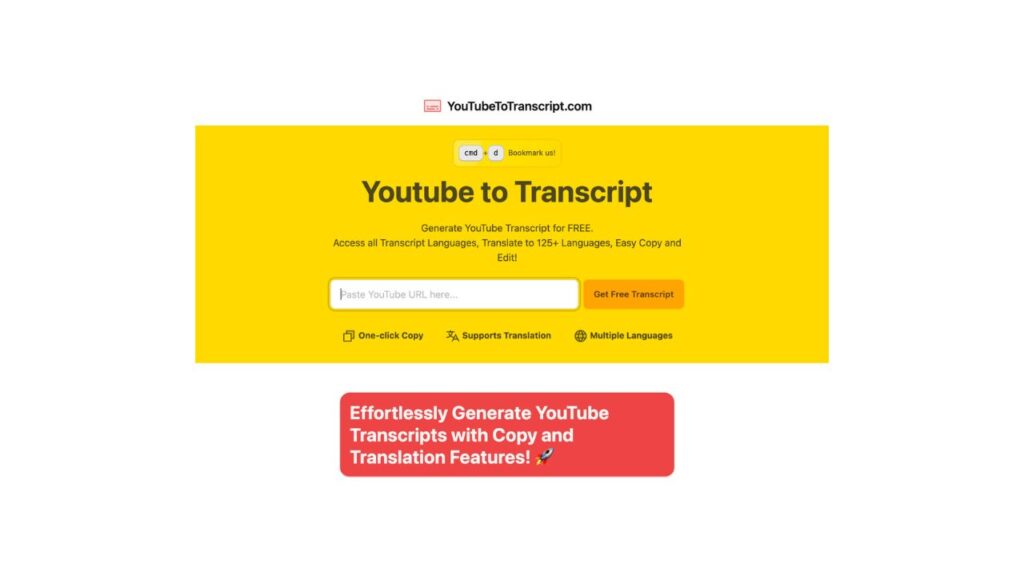
Website: https://youtubetotranscript.com/
The tool YouTube to Transcript keeps things simple. Paste the URL, get your transcript. The text comes out in one continuous block without timestamp clutter, though you can add them back if needed.
NoteGPT’s YouTube Transcript Generator
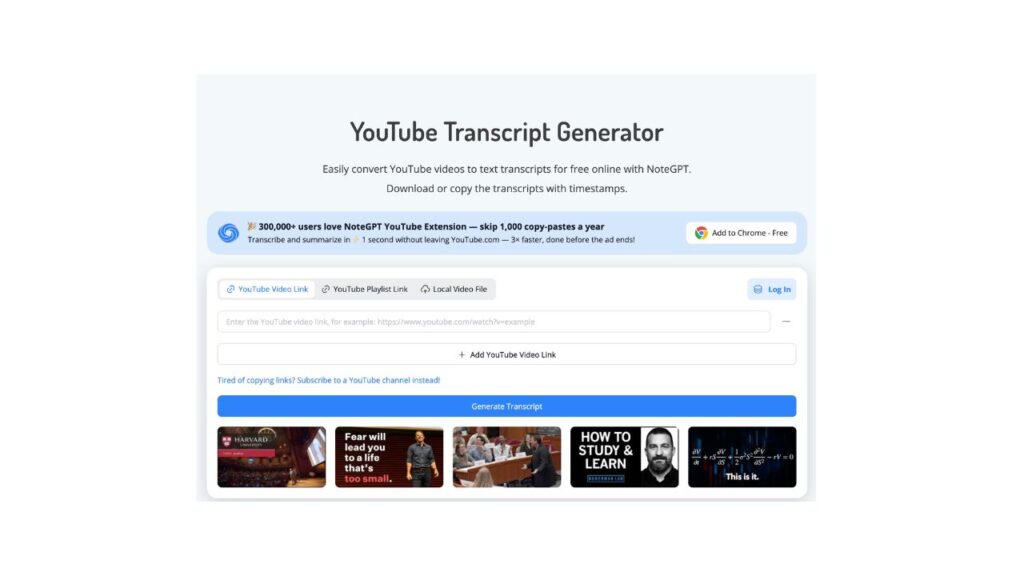
Website: https://notegpt.io/youtube-transcript-generator
NoteGPT goes a step further by organizing the transcript into sections as it extracts. Key phrases get highlighted, and timestamps stay clickable so you can jump back to the video for verification. It exports to TXT or PDF, which helps if you’re archiving content.
2. Read Through the Transcript
You now have your transcript, but it’s crucial to read through it carefully.
Auto-transcription gets things like technical terms, names, and numbers wrong. Those errors multiply when you summarize, giving you a final product that misrepresents what was actually said.
Here’s what you need to do: Play the video while reading along. Catch mistakes as they occur and correct them immediately. Focus on:
- Numbers and statistics that may have been heard incorrectly
- Industry jargon and technical vocabulary
- Names of people, companies, or products
- Dates and specific timeframes
Always fix these as you go. Remember, summarizing from an error-filled transcript just passes those mistakes forward.
3. Summarize the Transcript
With a verified transcript in hand, you can create your summary. Again, you have two options for this step:
Option #1 – Use an AI Summarizer
These AI tools are useful for analyzing your text and extracting the main points while maintaining coherence. Plus, they allow you to get control over length and format.
Quillbot’s AI Text Summarizer
Website: https://quillbot.com/summarize
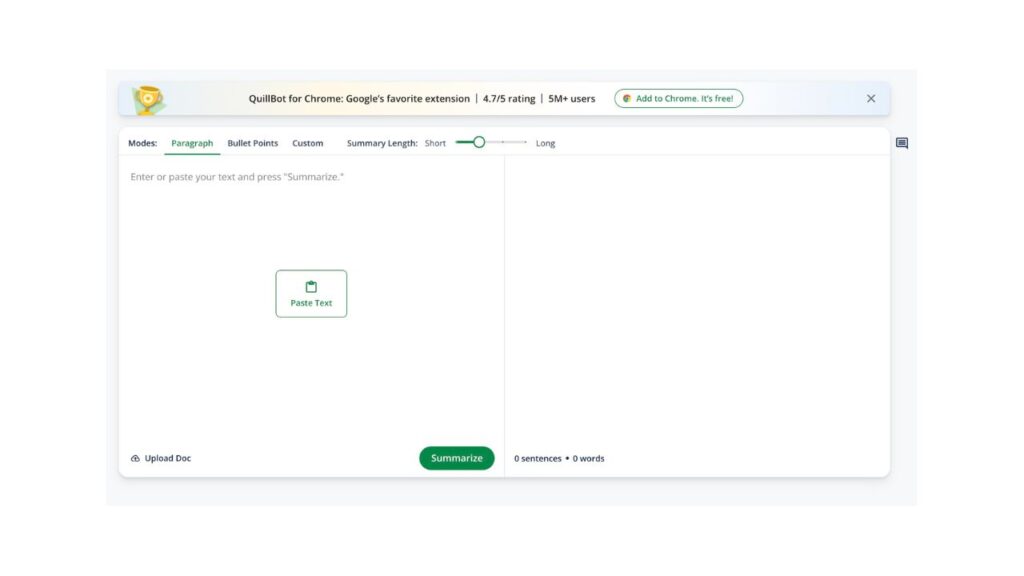
Quillbot provides paragraphs or bullet points, with a slider that controls the level of detail in the output. It identifies the main ideas and keeps the context intact. The side-by-side view allows you to compare the original and summary, helping you spot any content that may have been lost in translation.
Scribbr’s Free Text Summarizer
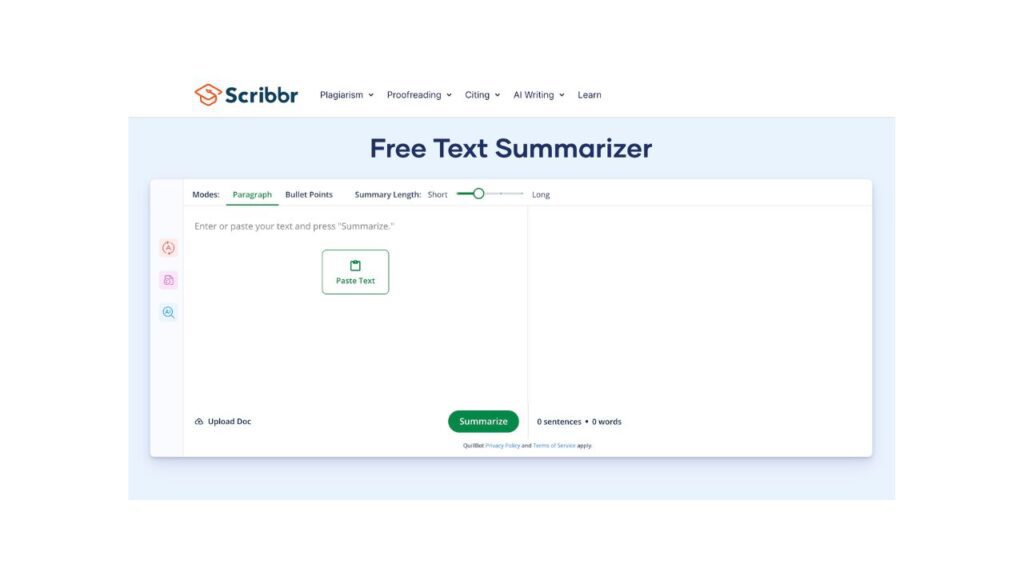
Website: https://www.scribbr.com/text-summarizer/
Scribbr looks at how your transcript is structured and extracts the core arguments. The summaries come out in readable paragraphs that follow the original’s logic. Ultimately, this tool handles academic and technical material particularly well, retaining the details that matter without oversimplifying.
TLDR This
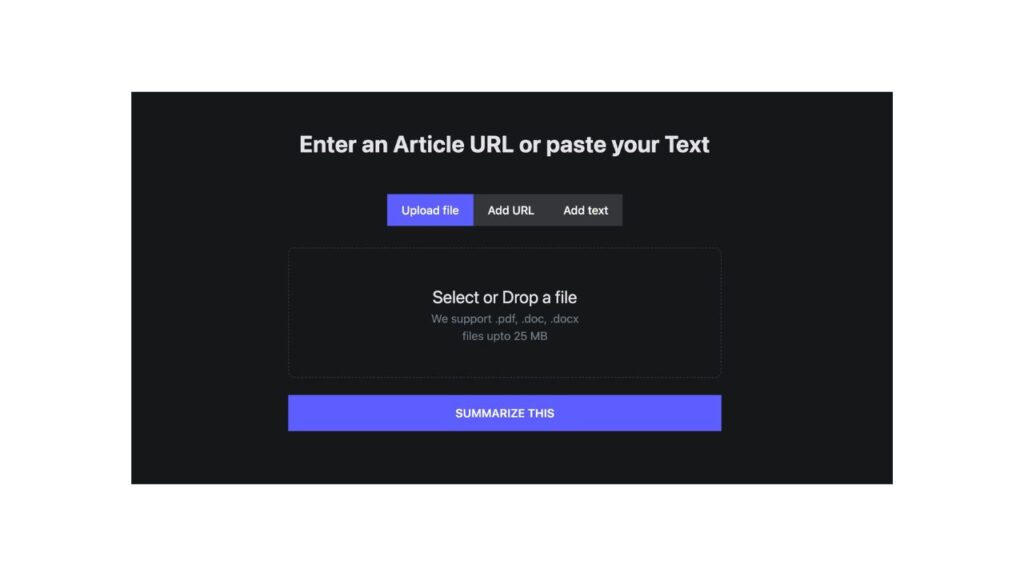
Website: https://www.tldrthis.com/
TLDR This condenses aggressively. The good news is that it offers different summary modes, including one that aims for natural-sounding text. Plus, the tool automatically extracts metadata, including main topics and important names, and estimates reading time for both versions.
Option #2 – Use ChatGPT
ChatGPT handles summarization well when you give it clear instructions. Here’s our prompt if you want to turn it into an AI YouTube video summarizer.
You are a summarizer. Your task is to summarize a video transcript. Please organize your summary per main point.

[insert transcript]
Need to summarize a long written content? Get our ChatGPT summarizer prompt.
Bringing It Home
Trying to summarize from memory leads to gaps and inaccuracies, especially with technical content. The solution is straightforward: extract the text first, clean it up, then summarize from a solid foundation. Hopefully, our steps have helped!