

We’ve been there. You sit down to write, a notification pops up, and the next thing you know, you’re scrolling through social media feeds for more than you care to admit. So, if you find yourself doom-scrolling rather than actually writing something, you will need to discover these distraction-free writing devices and tools.
Distraction-Free Writing Devices
Looking for a way to focus without notifications, tabs, or endless apps? Well, distraction-free writing devices will save the day. Here are some of the most popular ones.
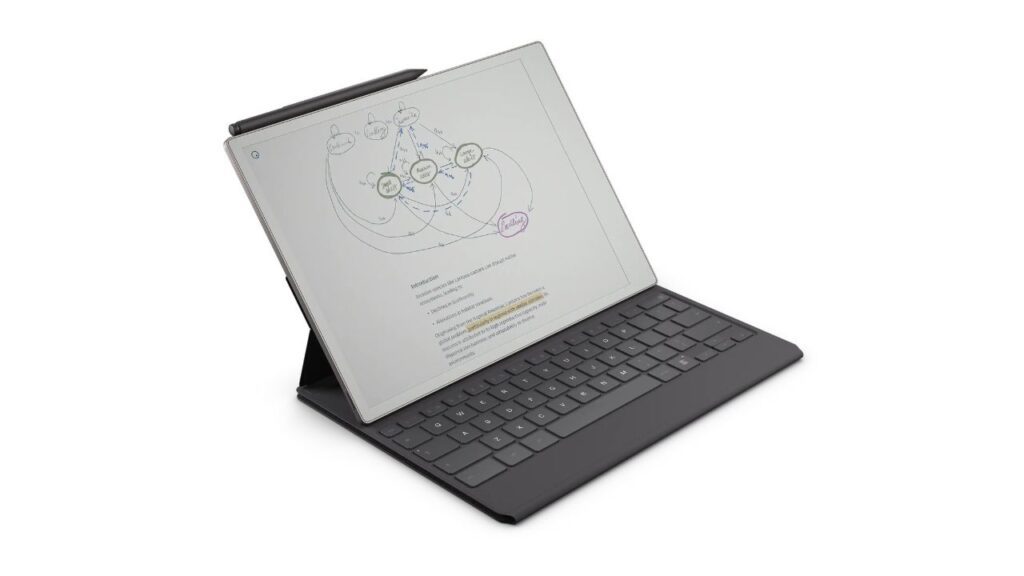
Remarkable Paper Pro With Type Folio
Website: remarkable.com/products/remarkable-paper/pro
Trying to find something that feels pretty much like writing on paper but still lets you type? The reMarkable Paper Pro with Type Folio hits that middle point. It’s designed to keep things simple and distraction-free while still letting you switch between handwriting and typing without overcomplicating your setup. And oh, it uses an e-ink screen —a win (especially for your eyes) for longer writing sessions.
The downside? It’s not flawless. Exporting typed text isn’t the most convenient. Plus, despite having a backlight, the screen isn’t the brightest. Our major gripe, though, is the price — it costs almost as much as an iPad Pro.
BYOK
Website: byok.io/device
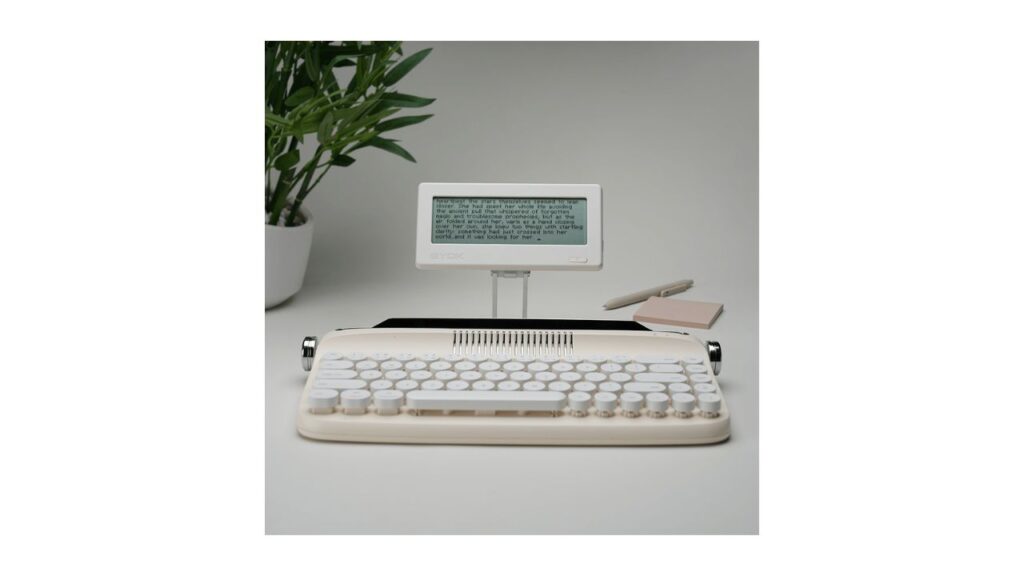
Unlike Remarkable, BYOK takes a whole different approach—you use whatever keyboard you prefer, whether it’s a mechanical keyboard or a foldable, Bluetooth-ready one. BYOK literally stands for ‘bring your own keyboard.’
And, yes, everything is stripped down to keep your mind focused. A monochrome LCD screen, an adjustable warm backlight, and a long battery life (20 hours!). How about transferring files or Cloudsync? Well, BYOK kept those. There is also a MicroSD card slot and USB-C port for data transfers.
Does it sound like the perfect fit for your writing needs? Well, do keep in mind that the screen is as small as a smartphone.
Freewrite Smart Typewriter
Website: getfreewrite.com/products/freewrite-smart-typewriter-3rd-gen
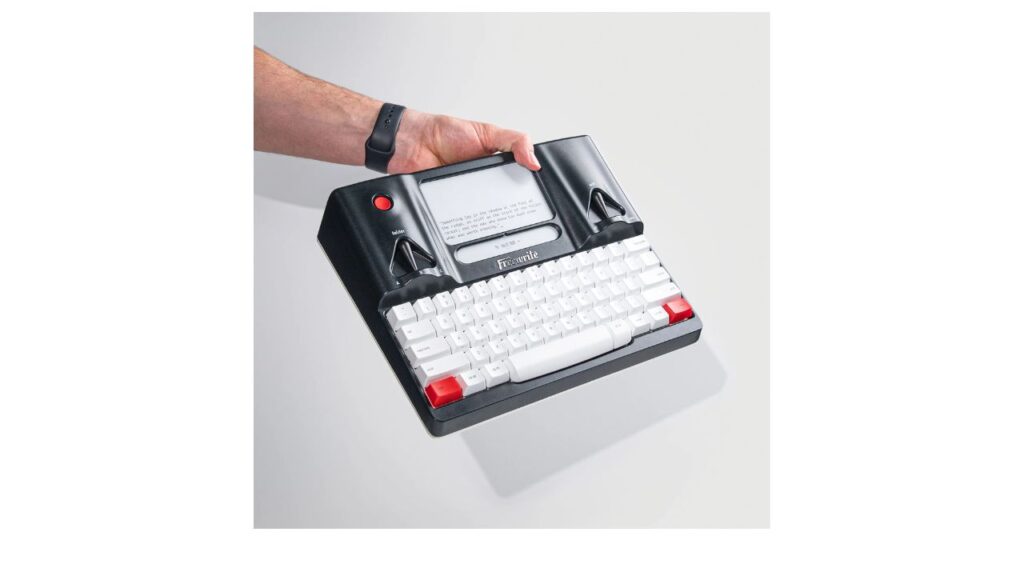
Now, if you are a huge fan of typewriters and would like to have a modern take on it, look no further than the Freewrite Smart Typewriter.
The mechanical keyboard is a standout; it’s tactile, comfortable, and noticeably better than most laptop keyboards. Plus, the e-ink screen is also easy on the eyes and works well even in bright light.
The price is steep for such a limited device. Plus, editing is intentionally restricted, which can feel frustrating if you like refining as you go. There’s also a slight screen/input lag due to the e-ink display. And since it only does one thing, you’ll still need another device for editing, research, and everything else; this is strictly a drafting tool.
Boox Note Max
Website: shop.boox.com/products/notemax
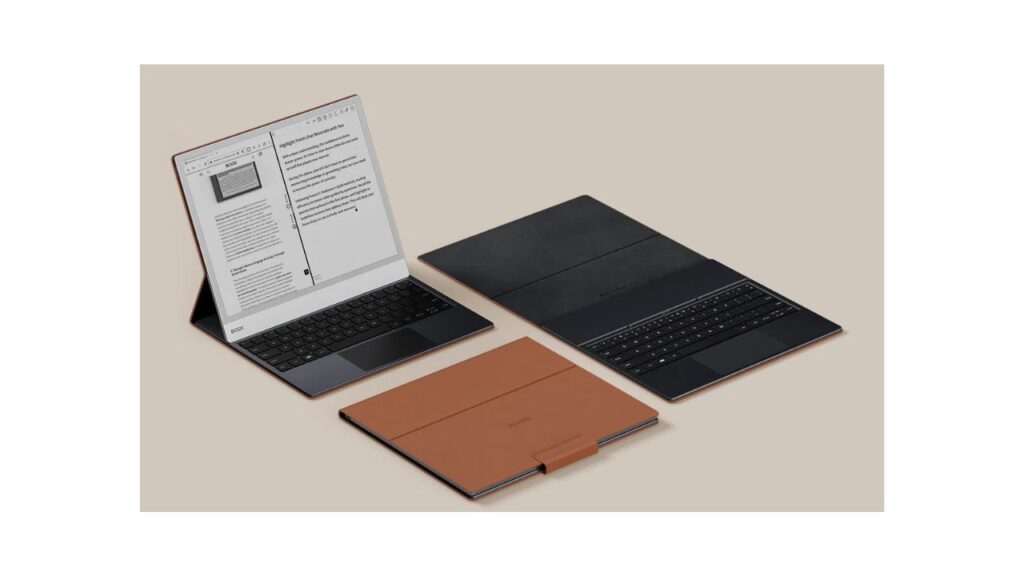
With the Boox Note Max, the screen is the main attraction. Compared to bright tablets, it uses a 13.3″ monochrome Carta 1300 screen with a 300 PPI Resolution, for sharper texts and less noticeable ghosting. It is also stylus-compatible. There is also a keyboard, but it costs extra.
Large documents, cloud syncing, apps, and Android split-screen are all supported. However, it’s expensive, and you’ll need to spend time tweaking settings to get the best experience. And while it’s more versatile than something like the Freewrite, that flexibility can also mean more distractions if you’re not careful.
Pomera D250
Website: pomera.us
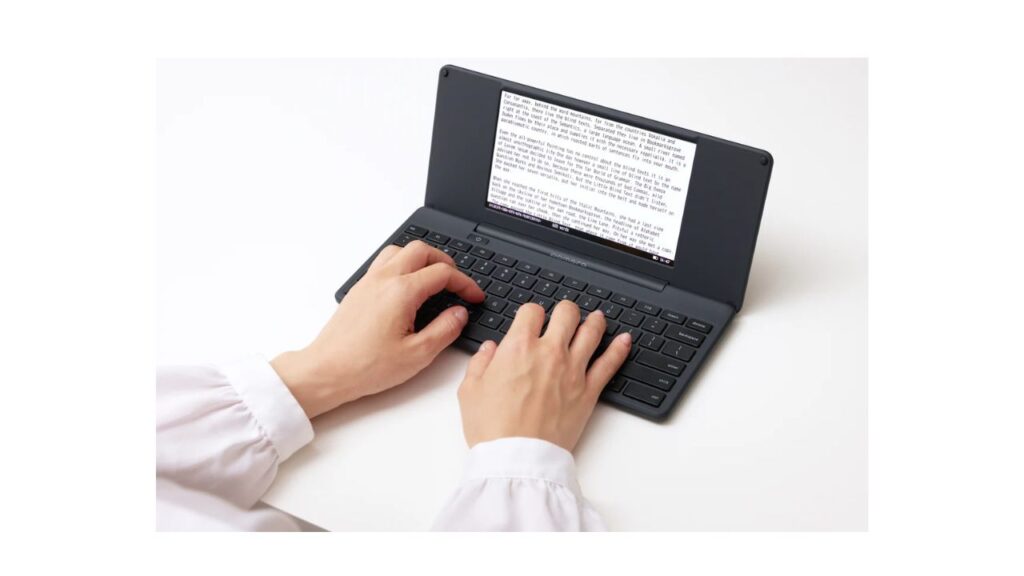
The Pomdera D250 is like a tiny laptop built only for writing. But don’t be fooled, it’s very comfortable to type on, and the battery lasts up to 20 hours. Plus, there are built-in tools like folders, spell check, and even word count. There are different ways to transfer files. You can use USB-C data transfer, a microSD card, or the dedicated companion app.
Its entire interface is clean and minimalist, and yes, with no apps to distract you. While the screen isn’t e-ink, it’s still easy on the eyes compared to a laptop, since you’re not dealing with glare, notifications, or bright colors.
The editing tools are basic, which can be limiting if you like polishing as you go. And while it’s more practical than older Pomera models, it’s still a single-purpose device.
Micro Journal Rev. 7
Website: tindie.com/products/unkyulee/micro-journal-rev7-kindred-gift-epaper/
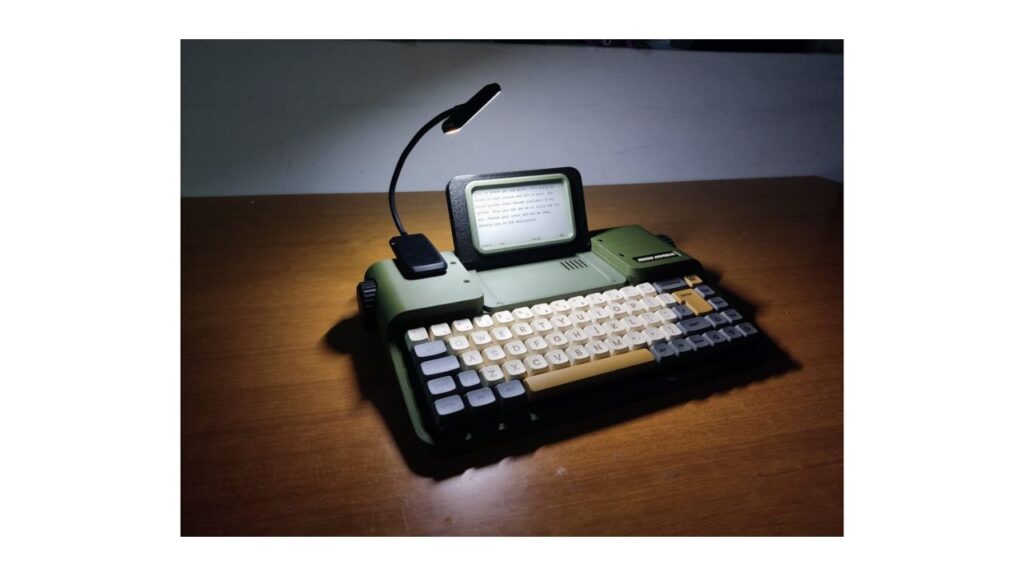
Now, if you can’t stomach the price of the Freewrite Smart Typewriter but still want the nostalgic design of a typewriter, get the Micro Journal Rev. 7. Over 60% cheaper than Freewrite’s device, the Micro Journal Rev. 7 rocks the familiar typewriter-like design and e-ink display. The interface is intentionally minimal, just basic text editing.
Setting up requires a bit of tinkering —you can read its quickstart guide on GitHub. Plus, the keyboard switches, keycaps, and a 18650 battery are not included.
Online Distraction-Free Writing Tools
If you’re not interested in purchasing a device, these online writing tools are just as good at keeping you focused.
Calmly
Website: calmlywriter.com/online/
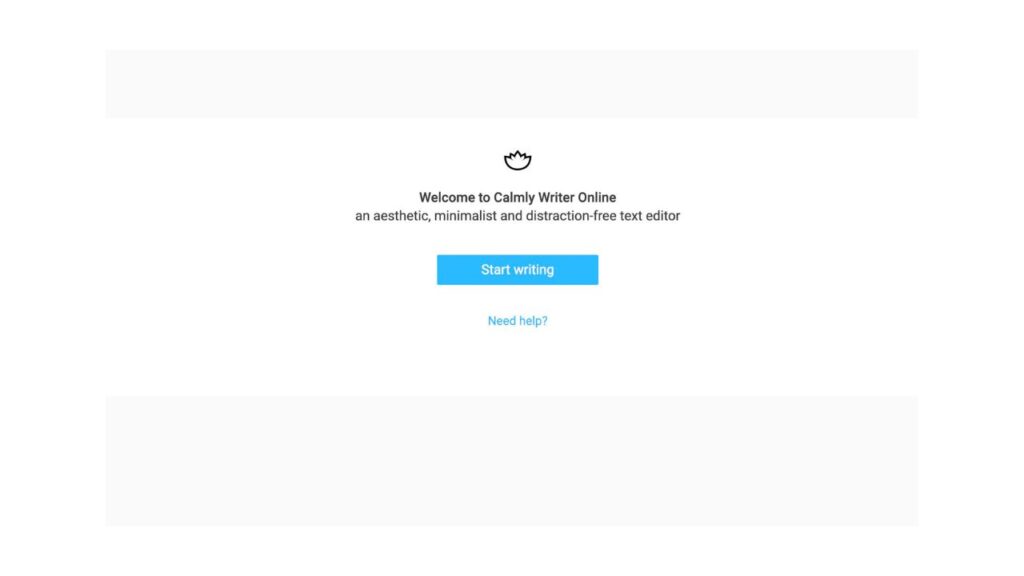
As it claims on the main page, Calmly is as minimal as possible; you open it, and you’re immediately in a clean writing space with zero clutter. The interface fades everything except your current sentence, helping you stay locked in.
When you click the logo in the upper-left corner, you can access the settings like spelling and punctuation, formatting, font, and even typewriter sound.
The downside is that it can feel a bit too simple if you want more control or organization, and some users mention it lacks deeper editing tools for longer projects.
FocusWriter
Website: gottcode.org/focuswriter
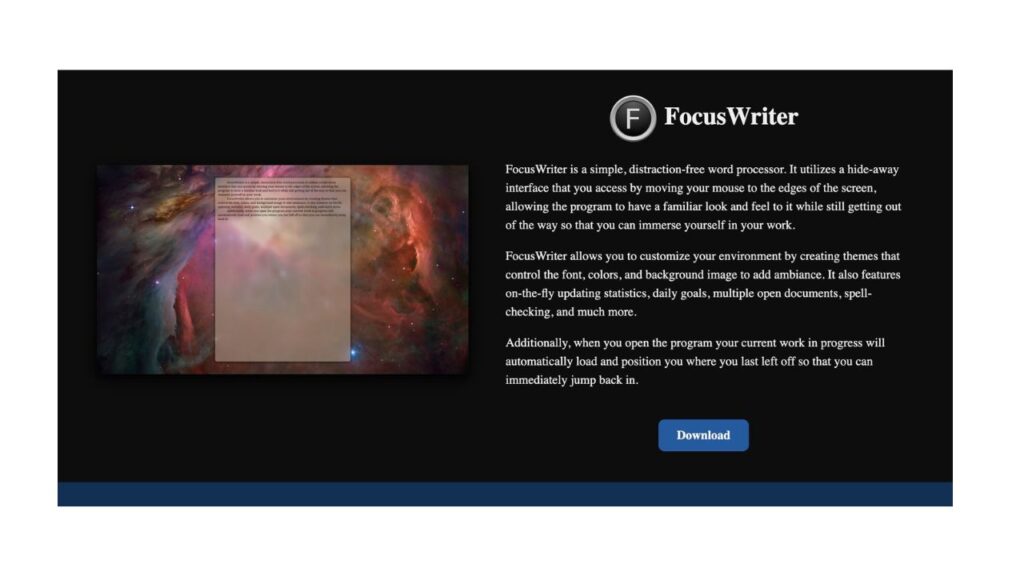
FocusWriter heavily relies on immersion once you download it. It has customizable backgrounds, themes, and even a cool typewriter sound effect. It’s also great if you enjoy structure, as it includes timers, goals, and useful daily progress tracking. That said, the interface can feel a bit dated.
Ulysses
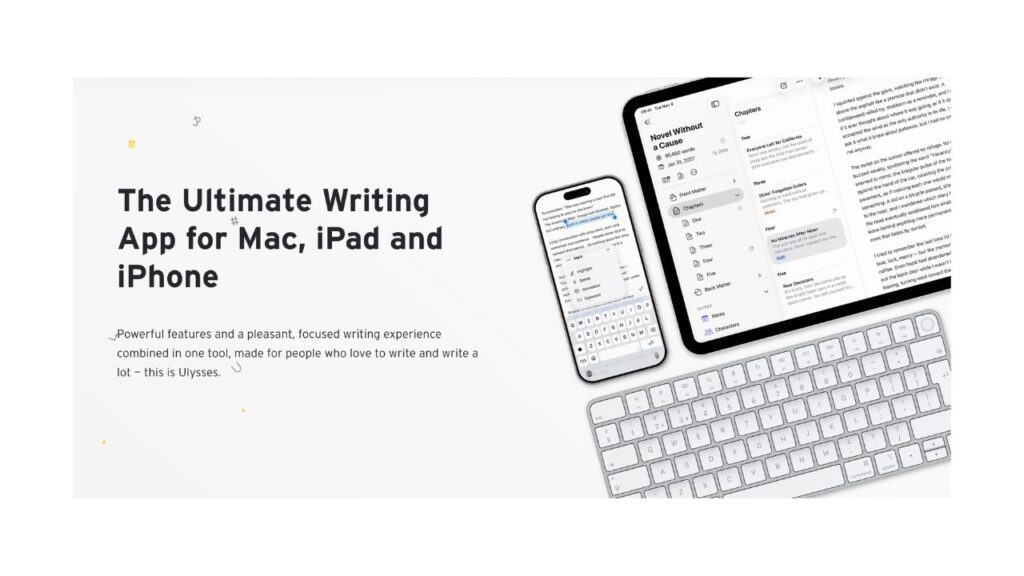
Website: ulysses.app
Ulysses is the ideal combination of powerful organization and distraction-free writing. You can manage large writing projects, get markdown support, and use a library system. The main downside is the subscription cost and the fact that it’s limited to the Apple ecosystem.
Scrivener
Website: literatureandlatte.com/scrivener/
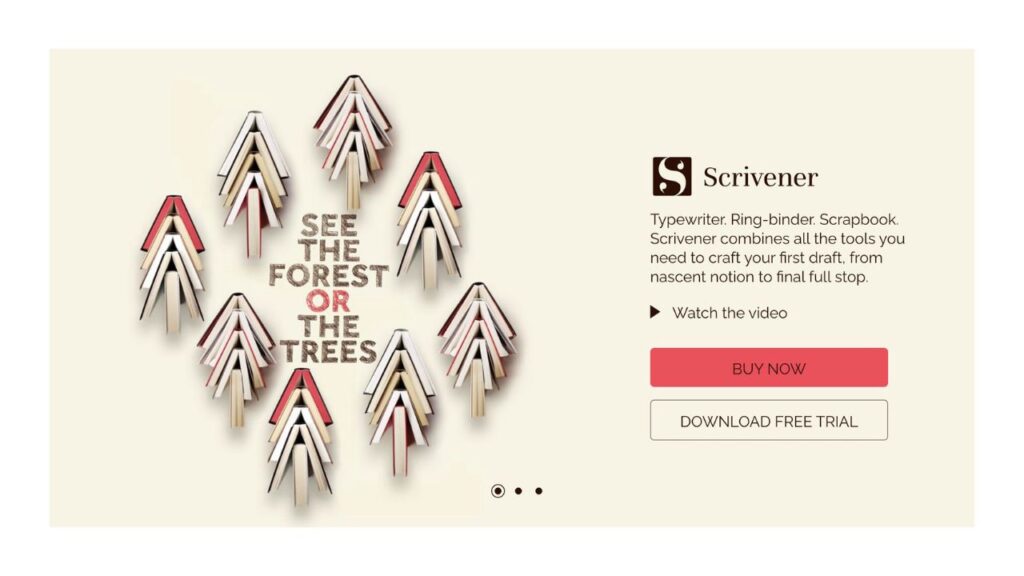
For long-form writing, this tool gives you a lot more control while still offering a focused writing mode when you need it.
Scrivener is perfect for larger projects like books or research papers because you can divide projects into smaller parts, arrange research, and keep everything in one location. It’s powerful, but that also comes with a learning curve. If you’re just looking for something simple, it might be a bit overkill.
Obsidian
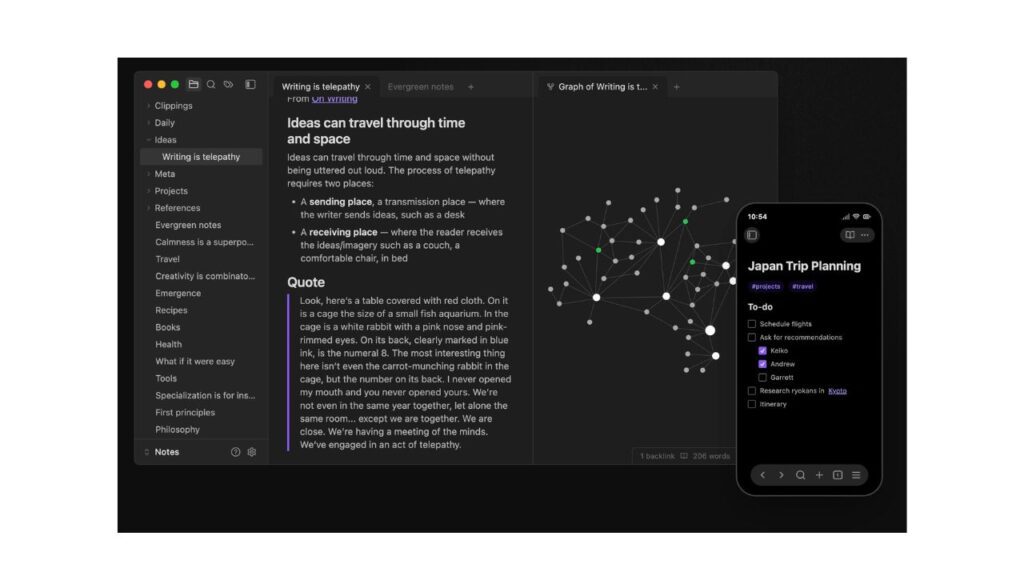
Website: obsidian.md
Despite being an official note-taking app, Obsidian’s versatility enables many writers to use it as a distraction-free writing tool. You can create a complete writing system with plugins, linking notes, and unique layouts, or you can keep things simple with a simple Markdown editor. It’s particularly helpful if you enjoy connecting concepts and organizing your thoughts over time. The downside is that it can become as complex as you make it, defeating the “distraction-free” part if you go overboard with customization.
Final Thoughts
Whether you prefer a dedicated, distraction-free writing device or a simple web app, the goal is the same: to keep your mind on the prize—getting words on the page. So, we’d love to hear—which of these tools are you excited to try?