
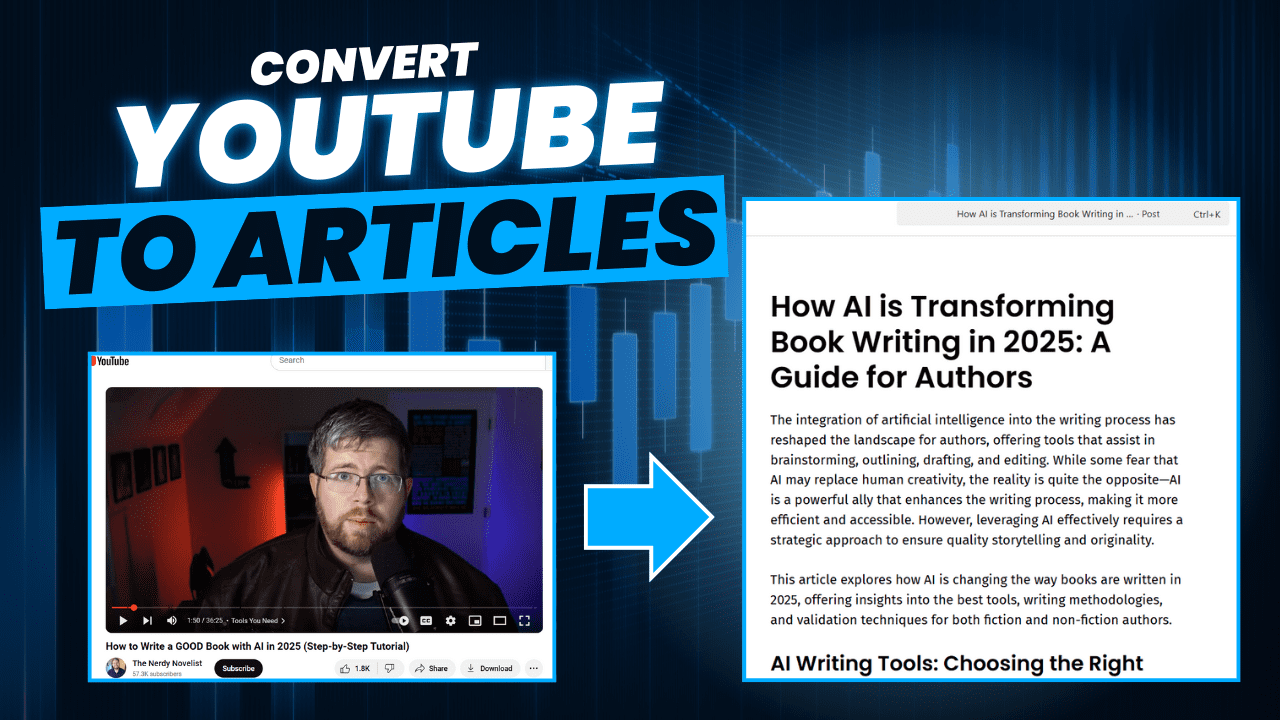
Converting YouTube videos into written articles can be a game-changer for content creators, bloggers, and businesses looking to maximize their reach. With the power of AI, this process has become faster and more efficient than ever. Whether you want to repurpose your own video content or extract key insights from industry leaders, AI tools can help streamline transcription, summarization, and article structuring. In this guide, we’ll walk you through transforming YouTube videos into high-quality articles using AI, saving you time while boosting your content strategy.
1. Identify the Video and Get the URL
The first step is getting the video that you want to create an article from. If this is a video you created, you should know the url.
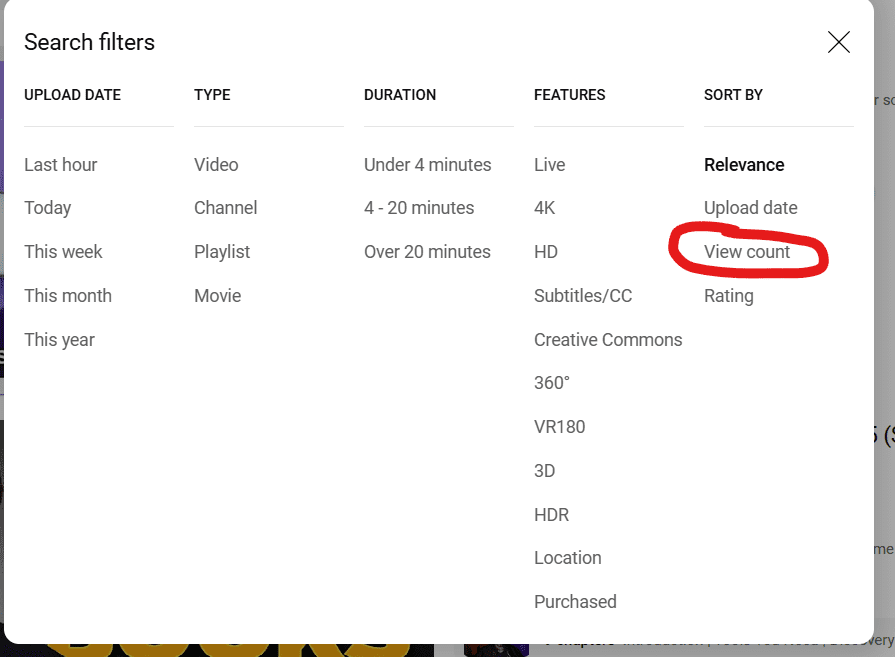
If you are trying to find a video to create an article about, go to YouTube and start searching. You can find popular videos by sorting search results by Views.
To search by Views, click on “Filters” on the right side of the search results:

Then click on View count under Sort By:
2. Getting the Video Transcript
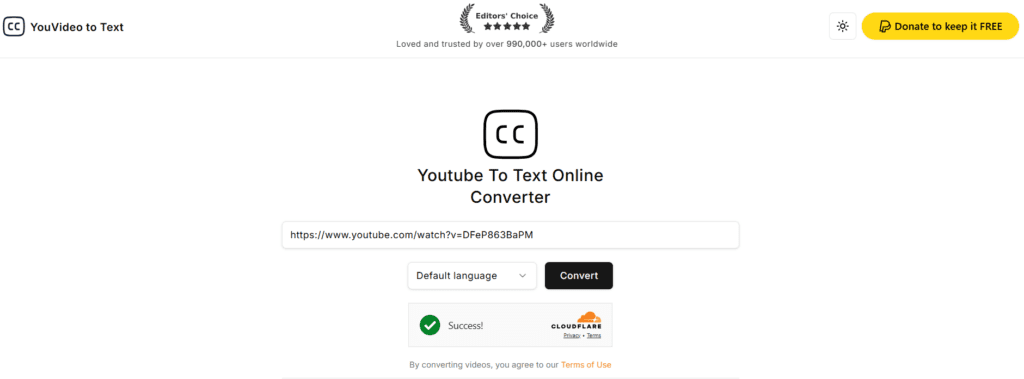
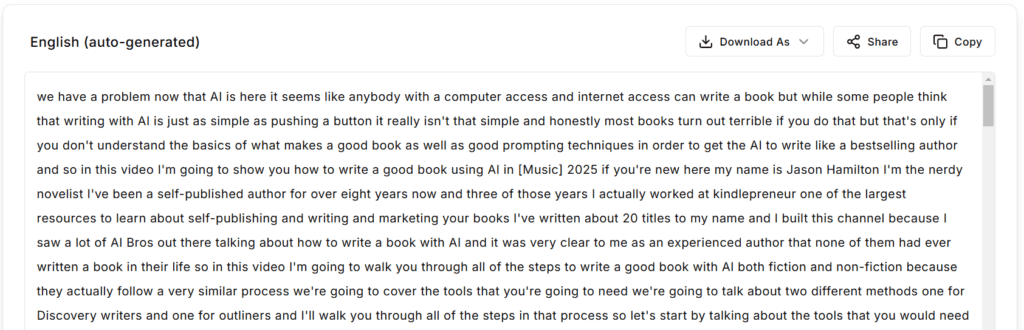
Getting the video transcript is very easy with the help of online tools. We like youvideototext.com.
For these tools, you often just have to enter the video’s URL, and it will generate the transcript.
3. As AI to Summarize the Transcript
Now that we have the transcript, we can ask AI to summarize it. Just enter the following prompt and upload the transcript text as an attachment, or paste it below the prompt.
Attached is the transcript from the following YouTube video: [URL]

Please summarize the key points of the video.
For example, when I ask it to summarize a video about “How to Write a GOOD Book with AI in 2025,” it output the following:
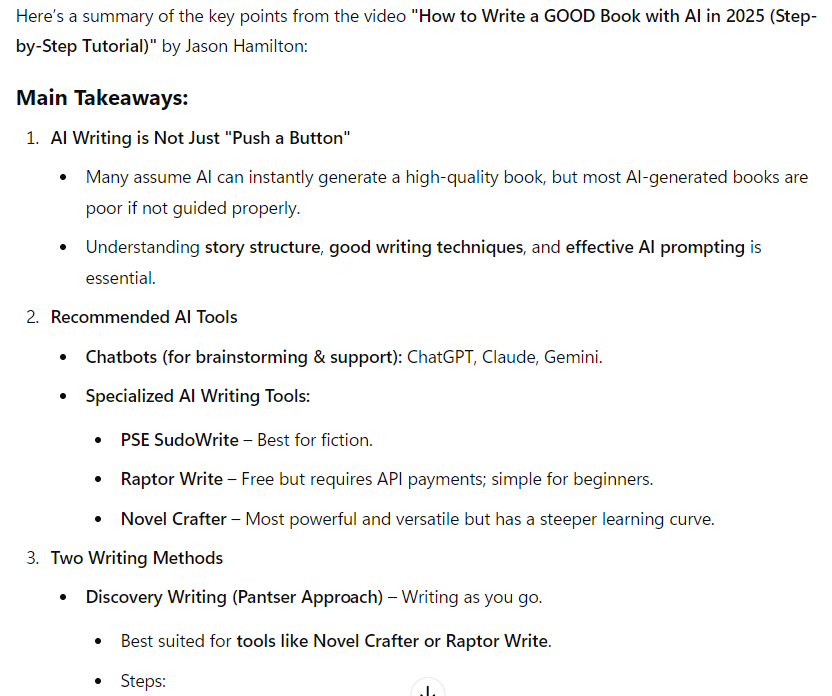
If you have any questions, you can always follow up. For example, I wanted to know more about the Panster Approach, so I asked this question:
Please elaborate on the Pantser Approach that was mentioned in the video. Please search online for additional information if needed.
4. Create an Article Based On the Video
The final step is to create an article based on the video. This will vary based on whether you want to rephrase the video’s content or simply summarize or reference it. We’ll walk through prompts for both scenarios.
Creating an Article to Rephrase the Video
If you’re simply looking to create an article to rephrase the video, you can use the following prompt:
From this summary, create an [word count] word article that rearticulates the content from the video. Include headers to separate sections.
Creating an Article That References the Video
If you’re simply looking to create an article to reference the video, you can use the following prompt:
From this summary, create an 1,500 word article that references the video and includes similar topics, but does not summarize or regurgitate the video content. Include headers to separate sections.
Conclusion
AI-powered tools have made it easier than ever to convert YouTube videos into high-quality articles, allowing content creators, bloggers, and businesses to repurpose valuable video content for broader audiences. Whether you’re summarizing key insights or crafting an entirely new article inspired by a video, AI can streamline the process by automating transcription, generating structured summaries, and assisting in content creation. However, while AI tools provide efficiency, human oversight is still essential to ensure accuracy, readability, and relevance.
By following the steps outlined in this guide—identifying the right video, obtaining a transcript, summarizing the content with AI, and structuring an article—you can maximize your content strategy and reach new audiences. Whether you’re leveraging AI for simple summarization or in-depth article creation, integrating these tools into your workflow can save time and enhance your ability to produce engaging written content. Embrace AI as a powerful assistant, but always apply your own editorial judgment to ensure the final product aligns with your goals and audience expectations.