

I’ve lost count of how many times I’ve rewritten a subject line at 11:47 p.m., convinced that swapping one word might make or break an entire email campaign.
That’s why I went down the rabbit hole of subject line testers. Not the fluffy “here’s a score, good luck” type of tools, but the ones that claim to give you real, practical feedback.
I ran the same subject line through multiple testers to see how they performed, what quirks they had, and which ones actually helped me improve, rather than just making me second-guess.
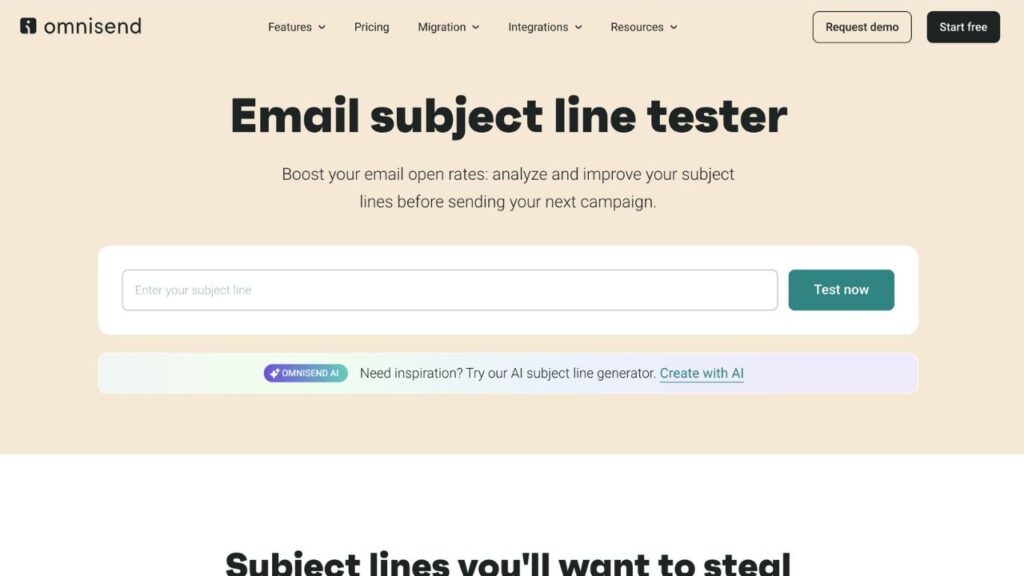
Subject Line Tester by Omnisend
Website: https://www.omnisend.com/subject-line-tester/
I plugged in the subject line “Quick heads-up about your order” into the Omnisend tester. It spat back a score—some percentage—and flagged length, clarity, wording, and even showed me a mobile and desktop preview. That preview is a nice little feature.
Omnisend’s feedback didn’t feel like marketing fluff. It pointed out that “order” is a high-value word, asked whether emojis would lift the emotional tone, and showed whether the line crossed into spam territory.
Pros:
- Desktop + mobile preview saves you from surprise truncation
- Checks for character count, word count, scannability, length, and helpful words
Cons:
- Score is a number (percentage), not always intuitive what to tweak
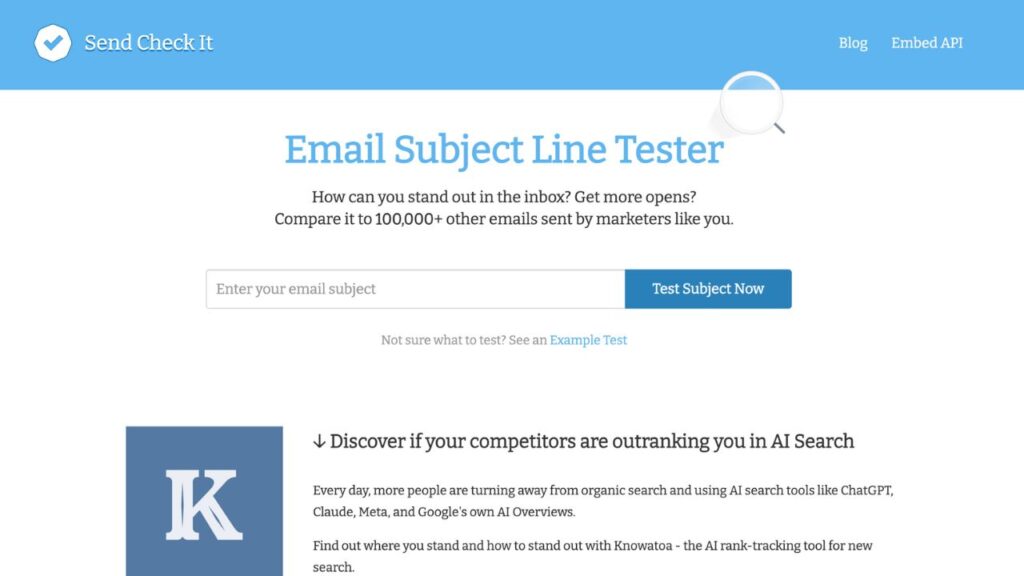
SendCheckIt Email Subject Line Tester
Website: https://sendcheckit.com/email-subject-line-tester
I dropped in “Quick heads-up about your order” and waited. Surprise: first, I had to sign up. Minor speed bump, but worth noting if you’re in a rush.
Once inside, it broke the line down, reading grade level, sentiment (neutral here), length, personalization, and flagged punctuation and spammy words. The detailed breakdown is neat, like a coach saying, “Maybe drop the dash, use fewer words here.”
But the preview? Kinda artsy and misleading. It said my line would be truncated on desktop, but my Gmail showed it fine, felt like a fragile mirror telling me otherwise.
Pros:
- Deep breakdown, grade level, sentiment, spam markers, punctuation
- API access if you’re building a testing pipeline
Cons:
- Preview (mobile and desktop) was inaccurate, so always verify!
- Some advice sounded vague, like “rephrase as a question,” with no real guidance
Refine by Moosend
Website: https://moosend.com/refine/
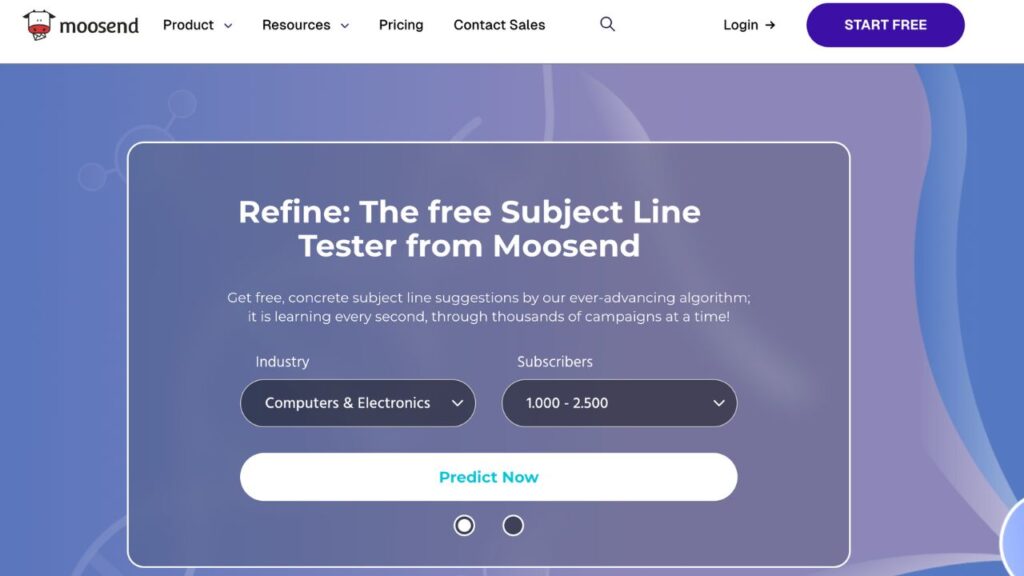
Refine felt industry-savvy. I told it I was in retail, dropped the line, and instantly got a score with context: “Retail average open is X%, yours is slightly below.” That industry context was fresh. It also gave personalized tweak suggestions: “Try adding ‘you’ or a number” if it thinks personalization or clarity could help.
The tool didn’t show you how the subject actually looks in the inbox—no preview—and that felt odd for a tester. But the AI-toned advice, like “consider adding urgency only when authentic,” rings truer than cookie-cutter tips.
Pros:
- Industry-specific benchmarks
- Smart, contextual suggestions, not generic “more emojis”
Cons:
- No inbox preview, still need to eyeball how it looks
- A bit clinical, less intuitive for creative spark
SubjectLine
Website: https://subjectline.com/
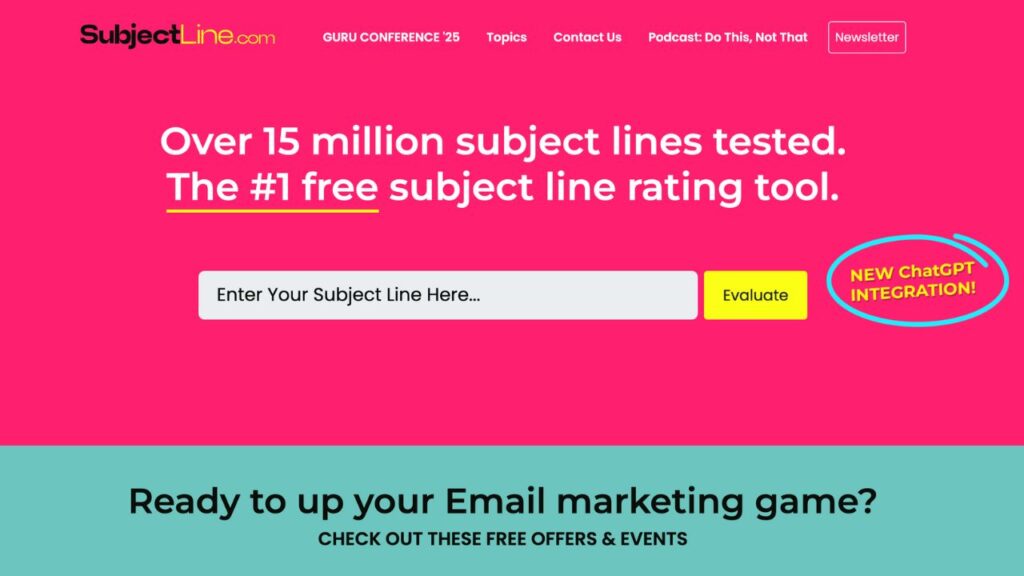
This one was quirkier. I typed my line and watched as it gamified the score, adding or subtracting points for things like punctuation, power words, urgency, and all-caps. I ended up tweaking and resubmitting just to see how many points I could scrape up.
It’s fun, but it didn’t explain why the word “quick” reduced the score. So, essentially, the feedback was surface-level, more about points than improvement.
Pros:
- Fun, gamified scoring makes it an entertaining experiment.
- AI-generated subject line alternatives are provided.
Cons:
- You need to provide your email
- Lacks depth and doesn’t explain the reasoning behind the point penalties
- No preview, no context
Mailmeteor Email Subject Line Tester
Website: https://mailmeteor.com/email-subject-line-tester
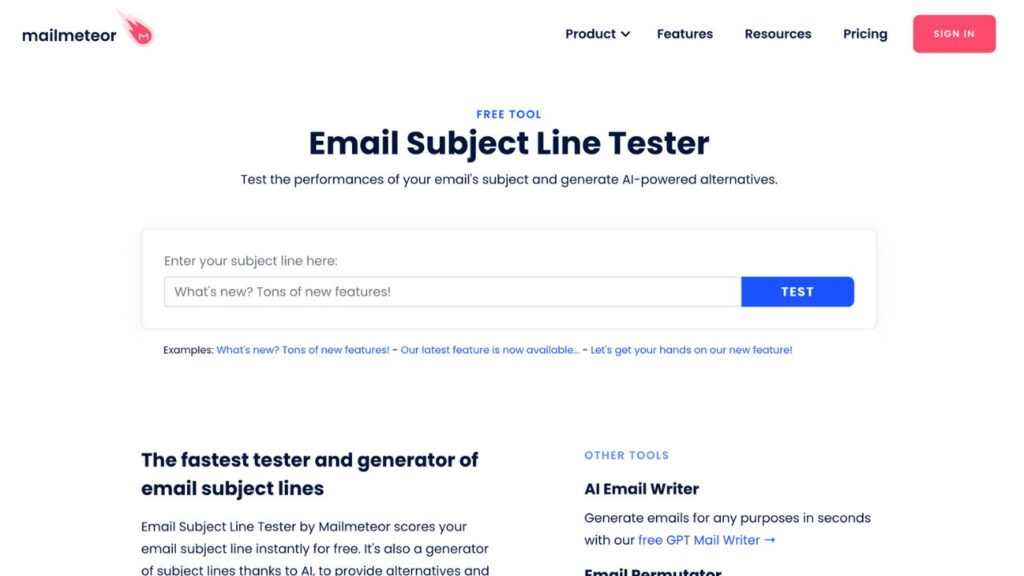
This one felt like teamwork. I threw in the same line, and it graded length, emoji count (none here), punctuation, and spam words. It then suggested 5 alternative subject lines via AI (some were playful, a few useless, but one was unexpectedly clever, “Just for you: your order update inside.”)
I liked that the score and the alternatives come together, which made me reframe and rethink. But if your line flops, it doesn’t say why other than “score is low.” You’ll need to reverse-engineer the problem yourself.
Pros:
- Instant line score plus AI-generated alternatives
- Quick, low-friction workflow
Cons:
- Doesn’t explain nuance and only shows alternatives
- If you flunk, you flunk; no deep critique
Warmup Inbox Email Subject Line Tester
Website: www.warmupinbox.com/email-subject-line-tester/
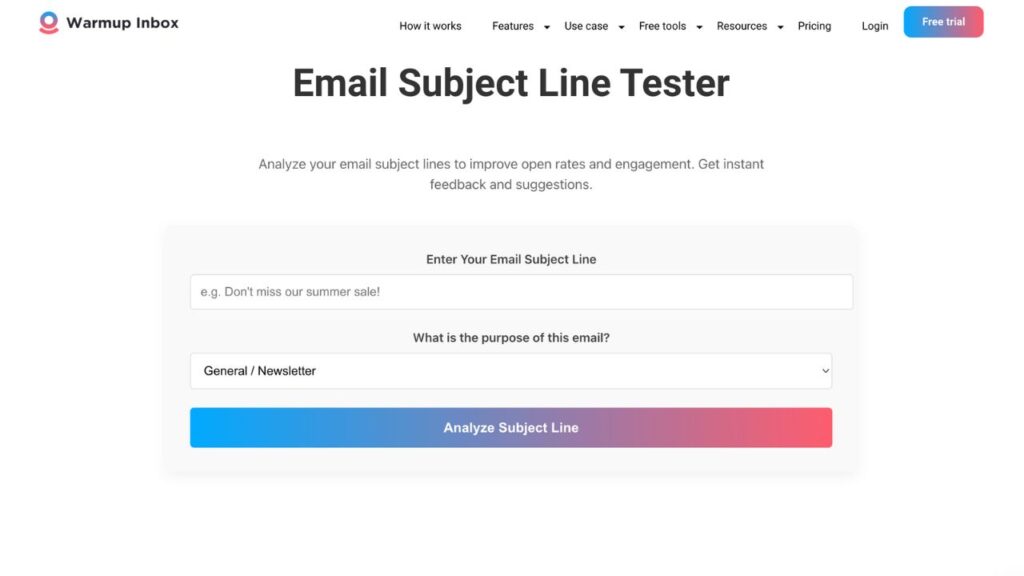
This was the most nuanced. It asked upfront for context—cold outreach, B2B or B2C, etc.—then scored the line based on structure, sentiment, length, and spam triggers.
Although there is no preview, their advice felt context-first, which is a helpful feature if you’re crafting cold or segmented campaigns where tone and structure matter more than device layout.
Pros:
- Dropdown option for the purpose of your subject line (B2B, B2C, general/newsletter, webinar/web invite, and transactional).
- AI-powered suggestions are available.
- At the bottom of the tester, you’ll find their scoring factors.
Cons:
- No preview
Our Verdict
If I had to choose one subject line testing tool, Warmup Inbox’s tester wins for its thoughtful, context-sensitive feedback and actionable guidance, especially for copywriters and email marketers who value nuance and clarity over flashy interfaces.
Omnisend was a close second thanks to its inbox preview (a lifesaver for mobile-heavy campaigns).
The others each offered pockets of value: SendCheckIt for breakdowns, Mailmeteor for creative alternatives, SubjectLine for the gamified fun, and Moosend for industry benchmarks.
At the end of the day, if you really want to find out why your click-through rates and open rates are down, A/B testing different subject lines is a must! If you are thinking of using AI for your email message, check our free AI email writers review.