

Newsletter name generators are kind of like brainstorming with a quirky friend; you never know what they’ll come up with. Some suggestions will make you laugh, others might surprise you, and a few could be the perfect newsletter name you’ve been searching for. So, let’s try a few and stick around to find out which one could be the best for you.
CoSchedule’s Newsletter Name Generator

Website: https://coschedule.com/newsletter-name-generator
CoSchedule’s Newsletter Name Generator was fun to use. Aside from its neat interface, it’s pretty straightforward to use. You just enter a topic and a short description of your target audience and hit “Generate Names,” and then you’ll watch CoSchedule’s charming mascot, Mia, generate ideas for you.
The names it churned out for “magic” aimed at a “picky” audience were surprisingly creative. Favorites included The Enchanted Scroll, Mystic Musings, and The Sorcerer’s Dispatch.
There’s a good mix of whimsical and professional vibes depending on your inputs. You can also modify the results slightly by adjusting options such as tone, length, or structure. Something to keep in mind, though. Some of these buttons didn’t work when I tested them.
Pros:
- Super easy to use.
- Generates creative and impactful names quickly.
- Fun, interactive experience with Mia.
Cons:
- Some customization features don’t always work.
- Names can skew a bit niche or overly whimsical, depending on the topic.
- No guidance on which names could work better than others.
Feedough’s Free Newsletter Name Generator
Website: https://www.feedough.com/newsletter-name-generator/
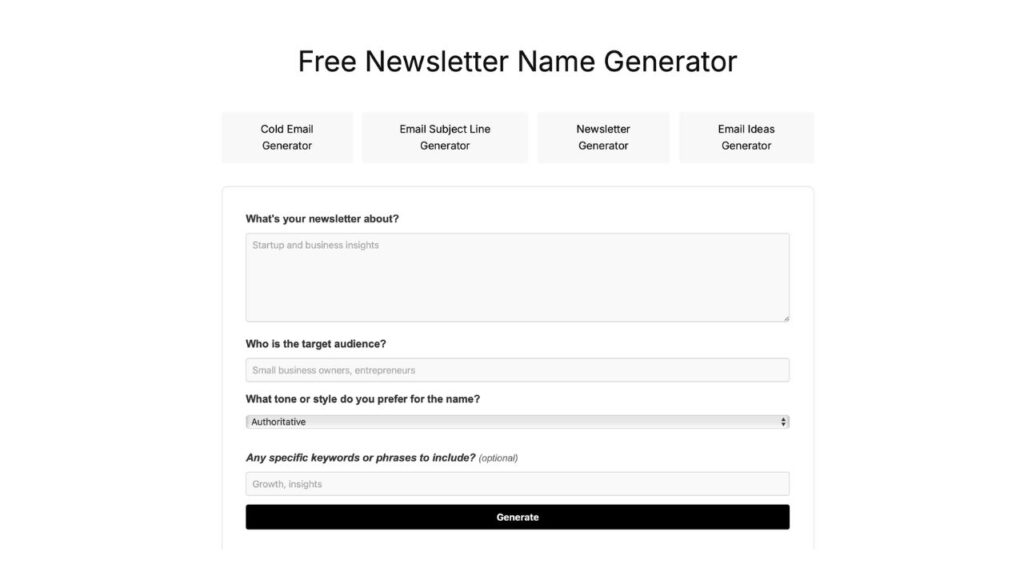
Feedough’s tool doesn’t exactly wow you at first glance; the plain black-and-white layout feels a little dated. But once you start using it, the generator gives you more control than many others, with some questions: what your newsletter is about, who the audience is, what tone you prefer (with 16 options to choose from), and even specific keywords you’d like included.
I tested it with something quirky:
- Topic: A dalgona recipe for new subscribers
- Audience: New subscribers who love to cook
- Tone: Playful
- Relevant keywords: delicious, tasty, coffee
The results? “Dalgona Delights,” “Tasty Coffee Chronicles,” “Delicious Dalgona Diaries,” and “Whipped Wonders Newsletter.”
Nothing groundbreaking, but not bad either.
You can copy them instantly, rate them with a thumbs up or down, or even share them. There’s also a WhatsApp community link and a big chunk of tips below the generator if you want to learn more about the AI tool.
Overall, it’s functional, easy to use, and gets the job done, though the names themselves can feel a little generic.
Pros:
- Let’s you customize with multiple inputs (topic, audience, tone, keywords).
- Simple interface, easy to use.
- Copy and rating features are built in.
Cons:
- Bland design makes the experience feel uninspired.
- Generated names can be generic.
- Results may require extra tweaking before they’re usable.
Capitalize My Title’s Free Newsletter Name Generator
Website: https://capitalizemytitle.com/name-generator/newsletter/
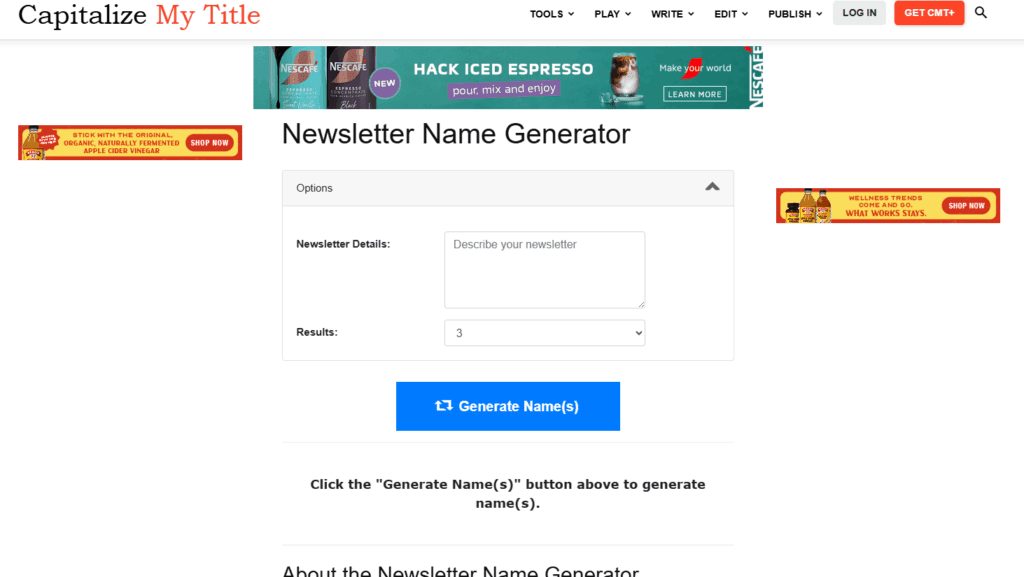
Capitalize My Title’s newsletter name generator is pretty simple. It has only a text box to input details about your newsletter. Then, clicking the button generates names for your newsletter.
The names are fine, but it seems like the more descriptive you can be with the newsletter details, the better the names that are generated.
Pros:
- Let’s you input a description of your newsletter.
- Simple interface, easy to use.
- Copy and rating features are built in.
Cons:
- Bland design makes the experience feel uninspired.
- Lots of ads.
Typli.ai’s Free Newsletter Name Generator
Website: https://typli.ai/newsletter-name-generator
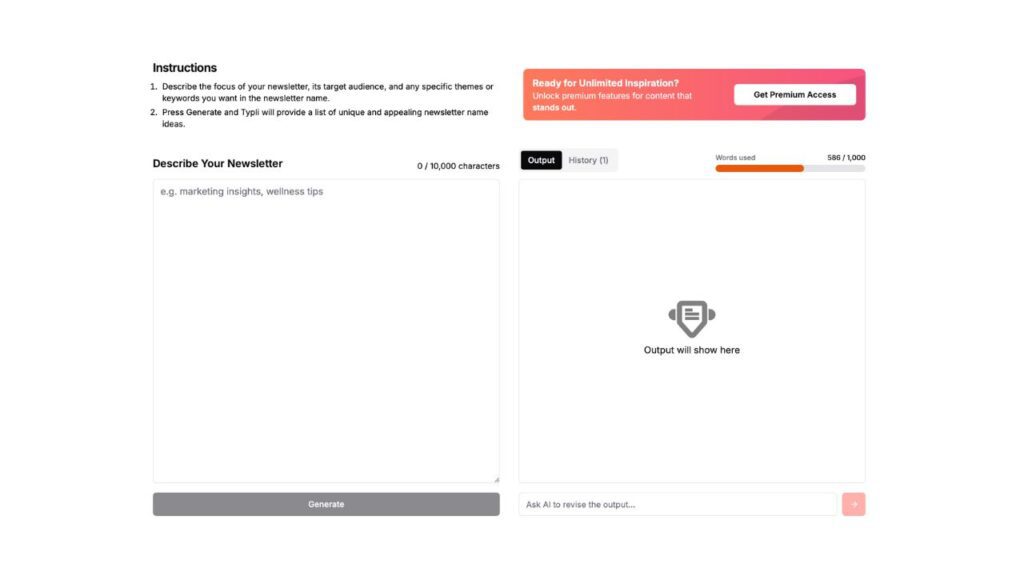
The interface of Typli.ai’s newsletter name generator is simple: one box to describe your newsletter (with up to 10,000 characters for detailed descriptions) and another where your results appear instantly.
I tested it with “Wellness tips for foods that help with lymphatic drainage naturally.” The generator came back with 15+ creative suggestions like “Lymphatic Lift,” “Drain & Gain,” “The Lymphatic Kitchen,” and “Detox Delights.”
Pros:
- Clean and intuitive design.
- Generates a large list of creative names.
Cons:
- Occasional push toward premium features.
- Not every suggestion hits the mark.
- The long list can feel overwhelming at times.
Mighty Networks’ Amazing AI Newsletter Name Generator
Website: https://www.mightynetworks.com/newsletter-name-generator
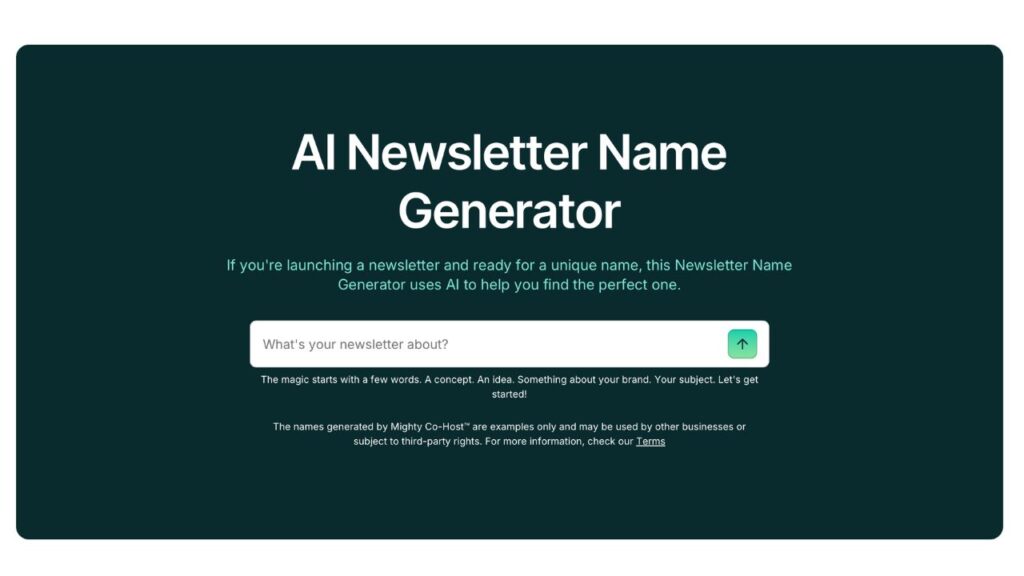
Mighty Networks takes a unique approach to newsletter names. Instead of just spitting out a list of titles, the tool guides you through a step-by-step process. It’s clean, mostly white and mint-colored, though it does start with a slightly pushy pop-up asking you to subscribe (which is easy enough to close).
I tested it with “An invitation to hire new singers.” The generator didn’t jump straight to names; instead, it offered community-style descriptions like:
- “We bring together an invitation to hire new singers to create regular performance opportunities, so that we can showcase talent, grow audience engagement, and celebrate artistic progress.”
From there, you can tweak the text or accept it and move on. The next step finally delivers name ideas such as “Singers’ Invitation Community,” “Talent Show Network,” and “Artistic Progress Circle.” The final touch is fun: once you choose a name, the tool pairs it with a free Pexels image to visualize your “brand.” It’s different, more guided, and feels less random, but also more work if all you wanted was a quick name.
Pros:
- Step-by-step, guided process (feels more intentional).
- Let’s you customize along the way.
- Ends with a name and a matching image, which is a nice touch.
Cons:
- Starts with an annoying pop-up.
- Extra steps before you get names.
- Feels more geared toward communities than simple newsletters.
Vondy’s Newsletter Name Generator Free
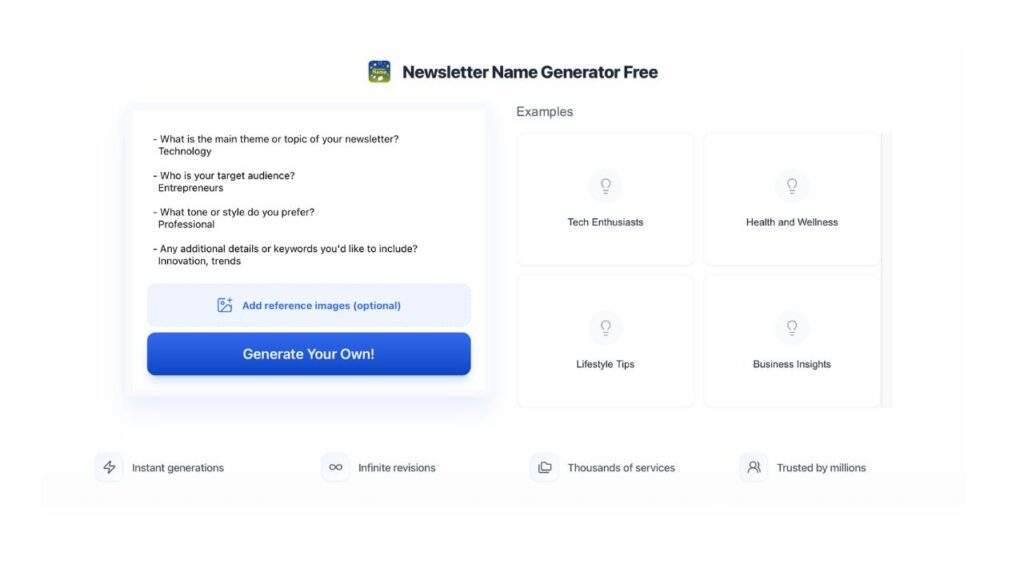
Website: https://www.vondy.com/newsletter-name-generator-free
Vondy’s tool feels a little different from the others. The layout leans heavily on blue, and you immediately notice that it’s not just a name generator, it’s part of a bigger platform that offers everything from design to coding tools.
The newsletter generator itself works by asking you to fill in prompts: your newsletter’s theme, audience, tone, and keywords. You can also add image references (which is unusual and cool).
I tested it with a food-related theme aimed at chefs, with a “fun but professional” tone and keywords like trend and humor.
The results included The Sizzling Scoop, Whisk & Wit Weekly, Gourmet Giggles, and more.
What really stood out was that you can instantly “visualize” your top picks as either a cover or a header. I tried both, and they looked polished enough to actually use. That’s a big plus compared to tools that just spit out text.
Pros:
- Let’s you customize with tone, keywords, and audience.
- Unique ability to generate visuals for your newsletter name.
- Easy to use, with quick results.
Cons:
- The interface feels cluttered with all of Vondy’s other tools at the bottom.
- Some of the name suggestions lean on clichés.
- It doesn’t have a copy bottom.
Matt Giaro’s AI Newsletter Name Generator
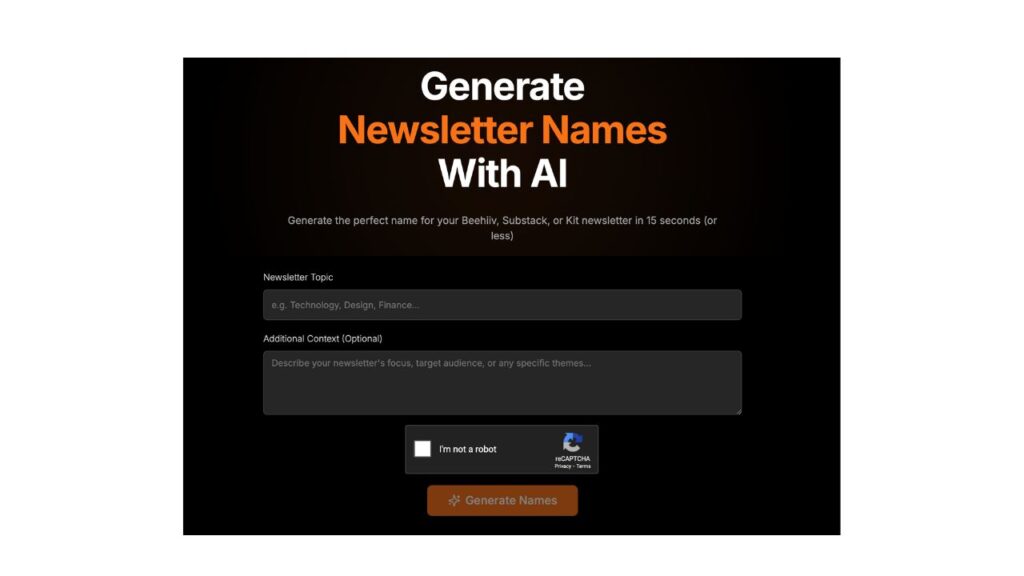
Website: https://tools.mattgiaro.com/newsletter-name-generator
This one has a sleek black background with pops of orange and white. The setup of Matt Giaro’s tool is simple: enter your newsletter topic, add context if you want, check a captcha, and hit generate.
I tried it with “cat’s new innovative toy” and added “cat lovers” as the context. The results were a mix of cute and practical: Purrfect Playtime, Whisker Wonders, Feline Innovation, Playful Paws, and a few others. I actually liked Purrfect Playtime —it’s short, fun, and exactly what I wanted.
The only catch? Right under the results, you get a not-so-subtle nudge to check out a free course. It doesn’t break the experience, but it’s definitely there.
Pros:
- Clean, minimal layout that’s easy to use.
- Generates solid, on-brand names quickly.
- The optional context box helps fine-tune results.
Cons:
- Suggestions aren’t always very creative.
- The upsell for a course feels a little pushy.
- Limited features compared to other tools.
Letterpal’s Newsletter Name Generator
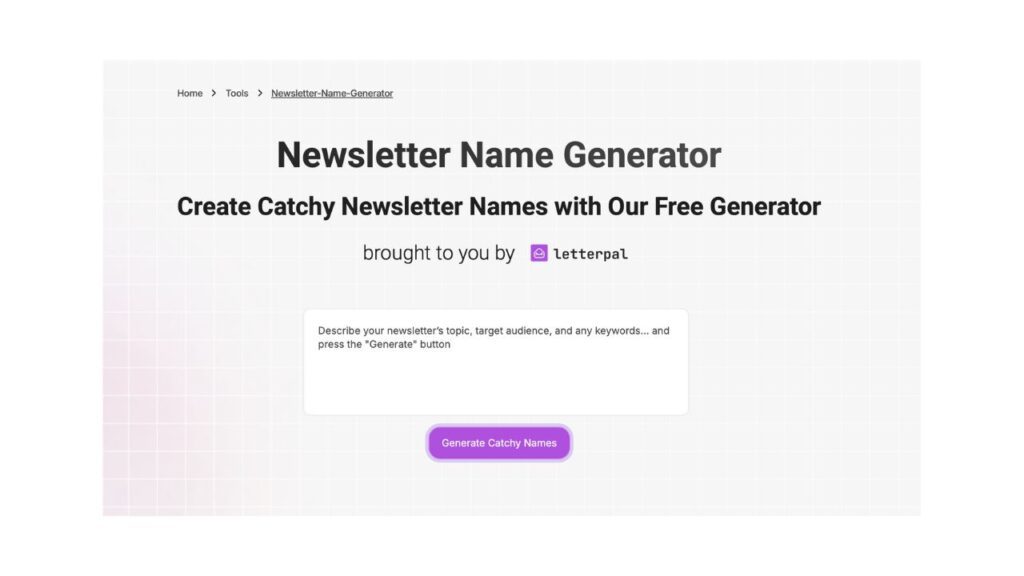
Website: https://www.letterpal.io/newsletter-name-generator
Letterpal‘s interface is minimal, with just one box asking you to describe your newsletter’s topic, audience, and any keywords. I tried it with: “New flower shop opening. Florist. Flowers, plants, business.” and clicked generate.
Only three names popped up: Bloom Bonanza, Petal Pushers Gazette, and Flora Fresh Finds. Not a huge list, but they did feel aligned with the theme. I personally thought Flora Fresh Finds worked nicely for a flower shop.
It’s not the most powerful generator, but it has a polished aesthetic and even offers additional features, such as tools to help you write a complete email.
Pros:
- Clean, calming design.
- Simple to use, just type and go.
- Offers related tools beyond just naming.
Cons:
- Only gives three suggestions at a time.
- Names can feel a bit generic.
- Not as customizable as other generators.
Writesafe’s AI Newsletter Name Generator
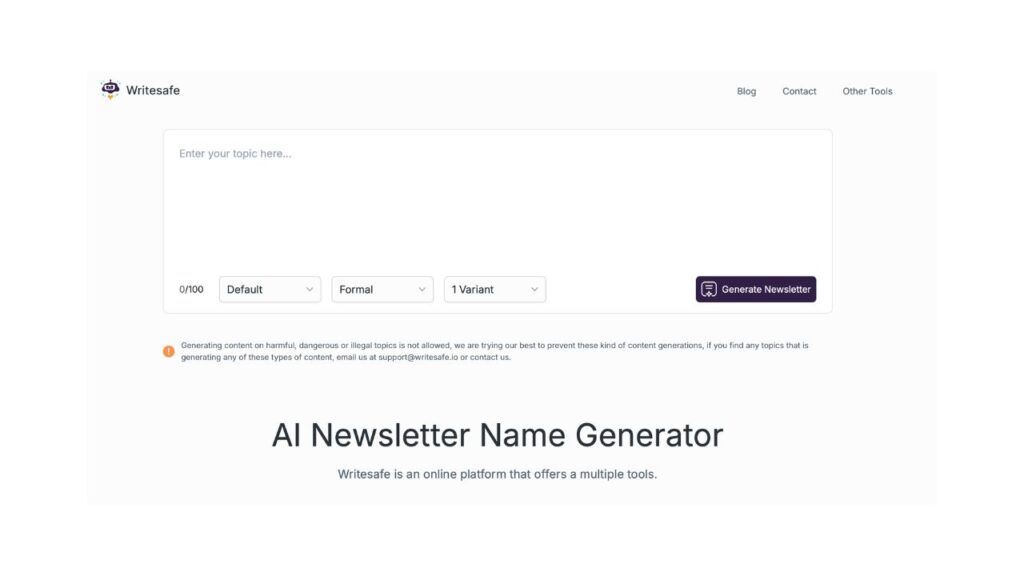
Website: https://www.writesafe.io/newsletter-name-generator
Writesafe keeps things super straightforward, maybe a little too straightforward.
The page is plain white with one big text box where you drop in your idea, and then three dropdowns to shape your text. You can pick a category (like Technology, Sports, or Health), choose a tone (formal, trendy, creative, etc.), and decide how many results you want (anywhere from 1 to 10).
I decided to have some fun and typed in: “A teen alien girl growing up” with Entertainment + Creative tone, asking for two names. It came back with:
- Stardust Chronicles: The Cosmic Coming-of-Age of Teen Alien Ari
- Galactic Girl Gazette: Adventures of an Alien Teen in the Entertainment Universe
Not bad, right? They’re dramatic, weird, and surprisingly on-brand for the prompt. I liked that it showed the character count and gave quick-copy, save, and refresh buttons. But what I didn’t expect: if you hit refresh, poof, everything you had disappears. No history, no way to get back what you liked.
Pros:
- Let’s you customize vibe, tone, and number of results.
- Character count for each name is handy.
- Easy copy and save buttons.
Cons:
- Refresh button wipes all your results.
- The design is kind of bland.
- Quality depends on how creative your prompt is.
Airops’ Newsletter Name Generator
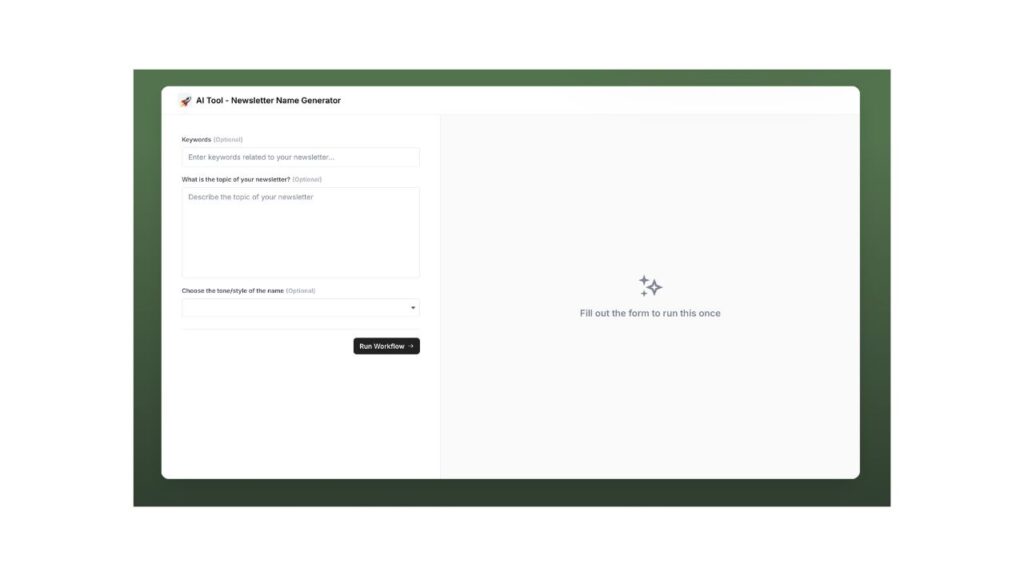
Website: https://www.airops.com/tools/newsletter-name-generator
Airops feels a little more like a “business tool” than a fun, creative playground. When you land on the page, there’s a banner with pricing, resources, and platform details before you even get to the generator.
Once you scroll down, you’ll see the actual tool: three boxes where you can add keywords, a topic, and a tone. None of these are required, but honestly, the more you fill in, the better the output.
I tested it with “painting, skills, classes“ as keywords, wrote “New painting classes, learn creative skills“ for the topic, and picked Inspirational as the tone. Hit the “Run Workflow” button (which is a fancier way of saying “Generate”), and here’s what I got:
- Brushstroke Bulletin
- Palette Pathways
- Canvas Creations
- Artful Adventures
- The Painting Palette
“Artful Adventures” felt closest to inspirational, but the others leaned more literal than inspiring. Not bad, just not as polished as some other tools.
Pros:
- Simple to use with optional inputs.
- Results are quick and cleanly listed.
- “Run Workflow” makes the process feel professional.
Cons:
- Limited tone/style options (only four).
- Some names feel generic or repetitive.
- The surrounding platform info makes the page a bit cluttered.
The Quest for the Ultimate Newsletter Name
Well, newsletter name generators are like a quick brainstorming with a quirky friend; some ideas surprise you, some make you laugh, and a few might spark the perfect name.
My favorite? Mighty Networks, its step-by-step process, light layout, and extra features make it the most complete. At the other end, Matt Giaro works fine, but its dark layout and limited creativity make it my least favorite.
How about the email’s content, you ask? We have a separate review of free email writers.